


Pong is one of the classic games that left an indelible mark in video game history. Originally launched in 1972 by Atari, Pong became one of the first commercially successful video games, paving the way for the entire gaming industry.

As mentioned, Pong is one of the first arcade video games and the first sports arcade video game. That's why I decided to take on this challenge and create my own version of this legendary game.
So I created three versions:
1. The first in pure JavaScript
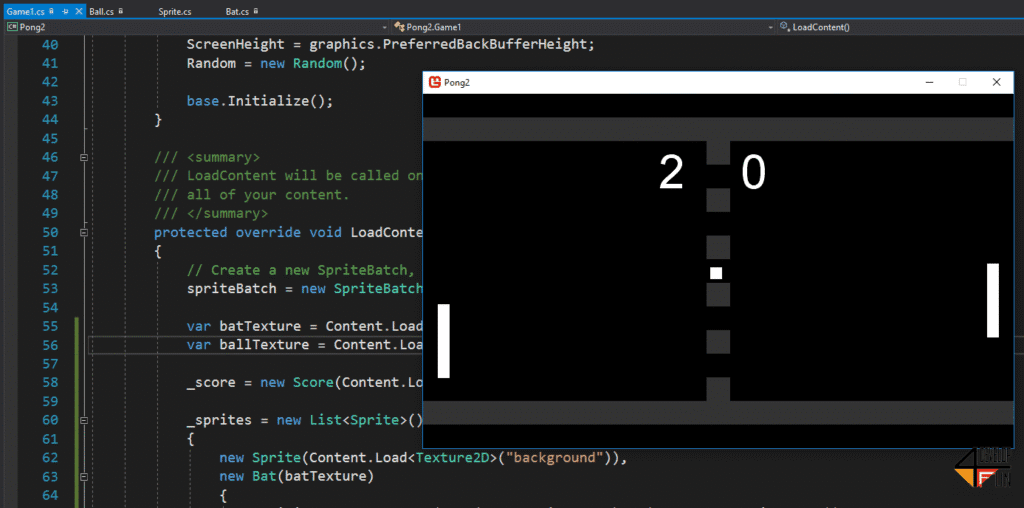
2. The second version with MonoGame and C#
3. The last one with Phaser and JavaScript
The latest version with Phaser and JavaScript:
https://www.itamde.com/game/phaserpong
To see the project description:
- JavaScript: the language of choice
JavaScript is a widely used programming language for web development. It is known for its flexibility and ease of use, and it's a popular choice for creating games thanks to libraries and frameworks like Phaser.
- MonoGame and C#: a more complex approach
For a more complete development experience, given my familiarity with the C# language, I opted for MonoGame. MonoGame is an open-source framework that allows developing cross-platform games, offering a wide range of features for game development.
- Phaser and JavaScript: the intermediate option
Phaser is an HTML5 game development framework that uses JavaScript. It's an ideal choice for those who want to create 2D games with ease. Phaser provides a set of tools and features that simplify game development, such as physics management, animations, and input handling.
Starting to create Pong
Regardless of the chosen tool, creating a Pong game involves a few fundamental steps:
- Define the game area: Decide on the dimensions of the playing area and the initial positions of the paddles and the ball.
- Handle movement: Use code to move the paddles in response to player input and to move the ball across the screen.
- Collisions: Implement collision logic to bounce the ball when it hits the paddles or the edges of the playing area.
- Scoring: Track points scored by each player when the ball passes the paddles.
- Game over: Determine the conditions for deciding when the game is over, such as when a player reaches a certain score.
Conclusions
Creating a Pong game was an excellent opportunity to learn the basics of game programming. Whether with JavaScript, MonoGame, or Phaser, I was able to dive into the art of game logic, animations, and input management. It was a rewarding journey that strengthened my programming skills.




0 Comments