



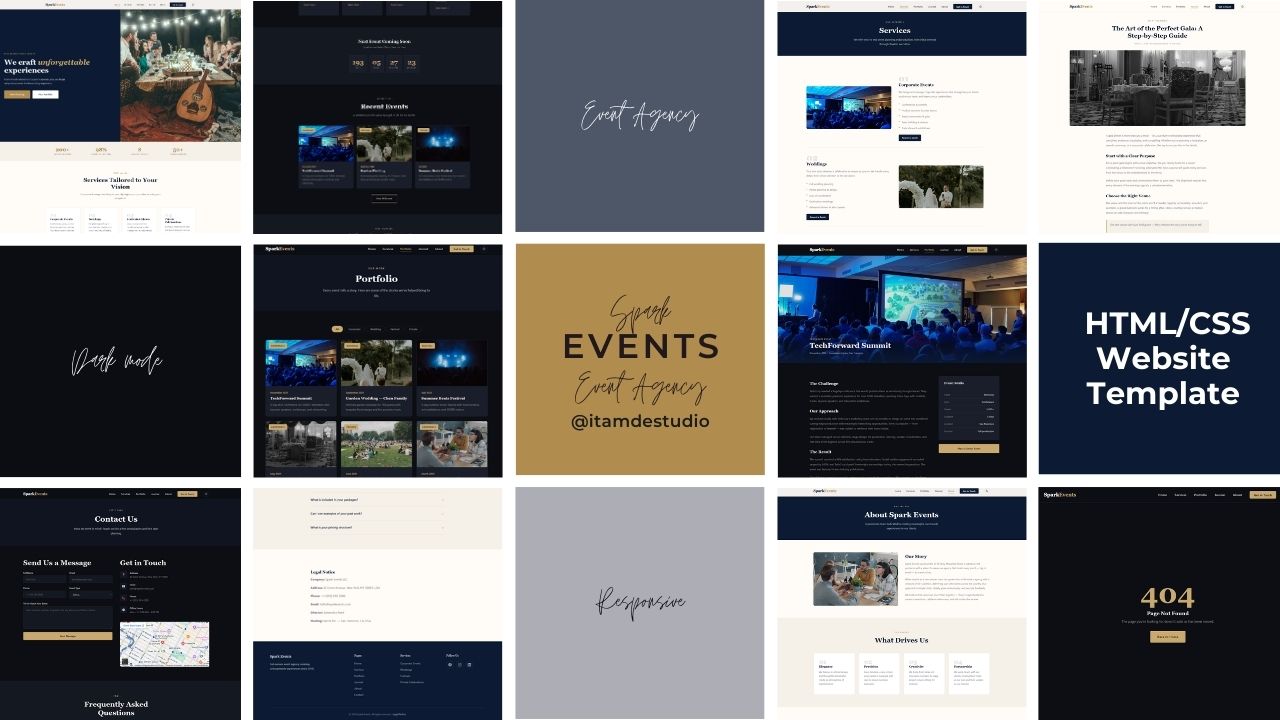
Editorial HTML/CSS template for event agencies. 9 pages, dark mode, filterable portfolio, responsive, JSON-LD SEO. Zero dependencies.


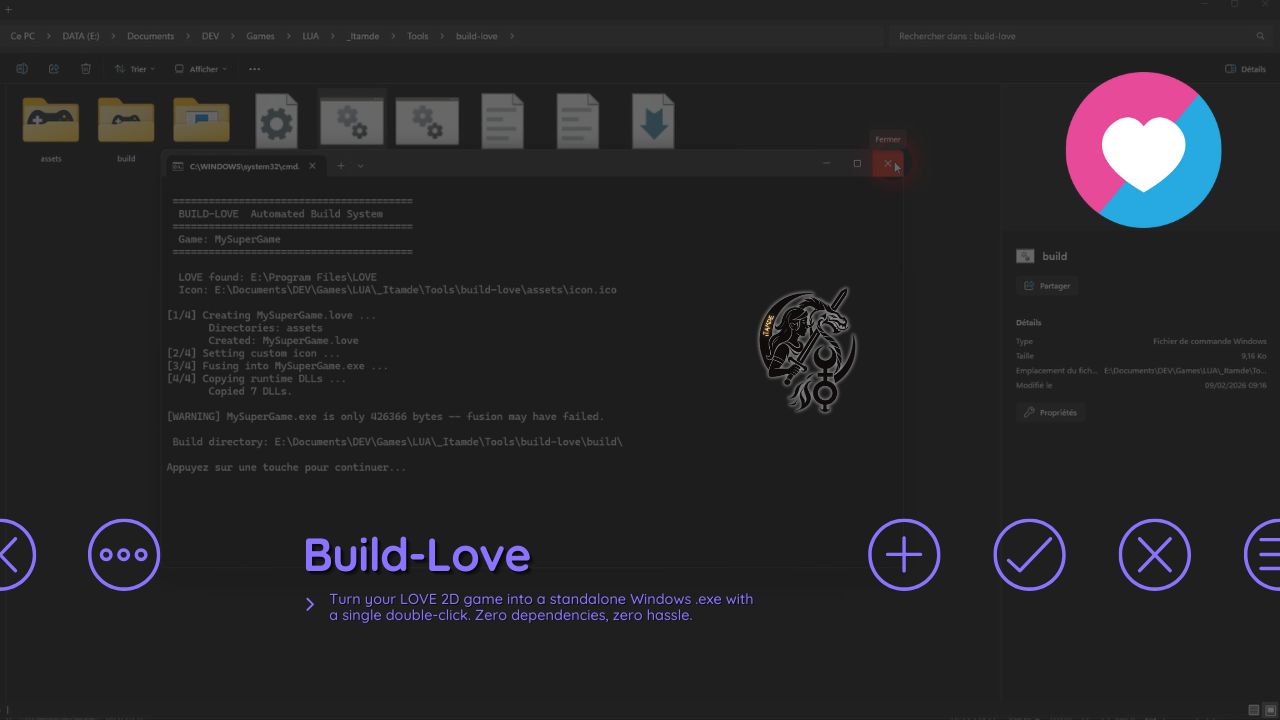
No command line. No Python. No Node.js. Just double-click and ship.
Every time you want to distribute your LOVE 2D game on Windows, you have to:
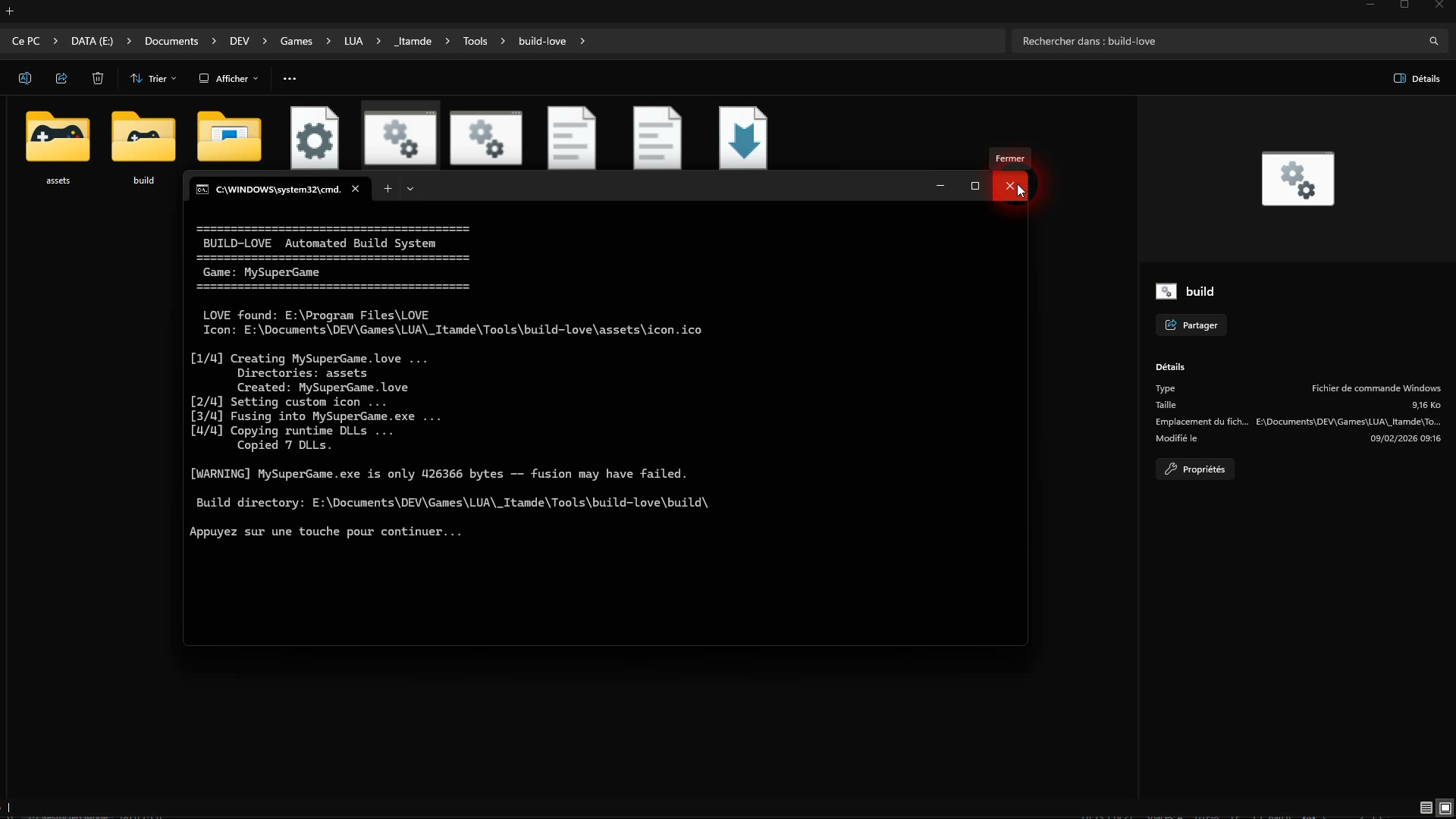
.love archivelove.exe and rename it.love into the .exeBuild-Love does all of this in one click.
| File | What it does |
|---|---|
build.bat |
The main build script — double-click and done |
build.config.bat |
Your settings: game name, LOVE path, icon |
tools/rcedit-x64.exe |
Embeds custom icons into your .exe (included) |
assets/icon.ico |
Default icon — replace with your own |
main.lua + conf.lua |
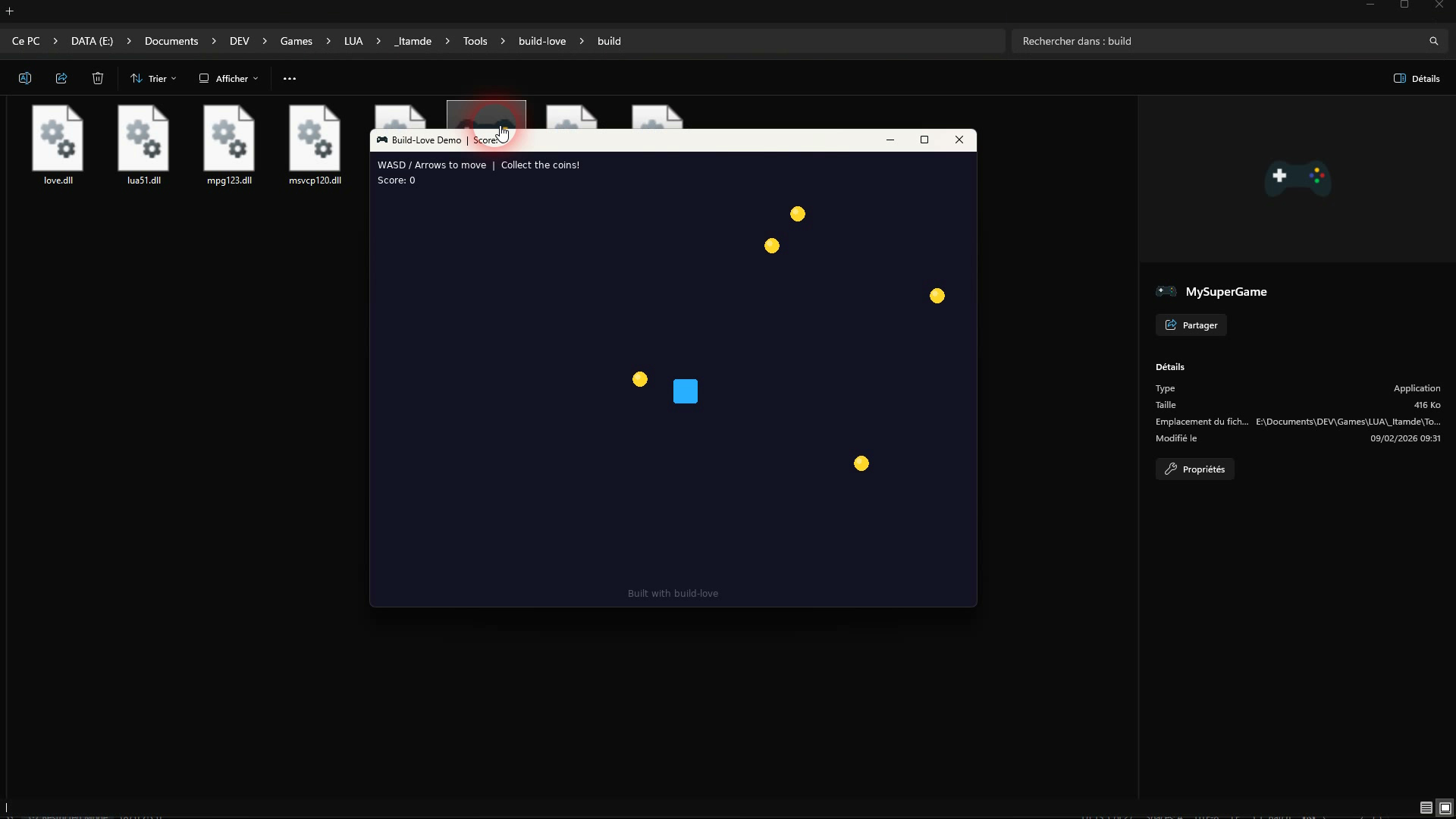
Demo game to test the build pipeline |
README.md |
Complete documentation |
.ico file, it’s embedded automaticallybuild.config.bat, or leave on automain.lua with your gamebuild.config.bat, set GAME_NAME=YourGamebuild.batbuild/ folder — that’s your final productMinimal — just set your game name, everything else is auto-detected:
set "GAME_NAME=SpaceShooter"
set "LOVE_DIR=auto"
set "ICON=auto"
set "INCLUDE_DIRS=auto"
Full control — custom LOVE path, specific folders, extra files:
set "GAME_NAME=TheLastAdventure"
set "LOVE_DIR=D:\Tools\love-11.5-win64"
set "ICON=assets\icon.ico"
set "INCLUDE_DIRS=assets,engine,states,sounds"
set "EXTRA_FILES=version.txt,LICENSE"
MIT — free for personal and commercial use.
Editorial HTML/CSS template for event agencies. 9 pages, dark mode, filterable portfolio, responsive, JSON-LD SEO. Zero dependencies.
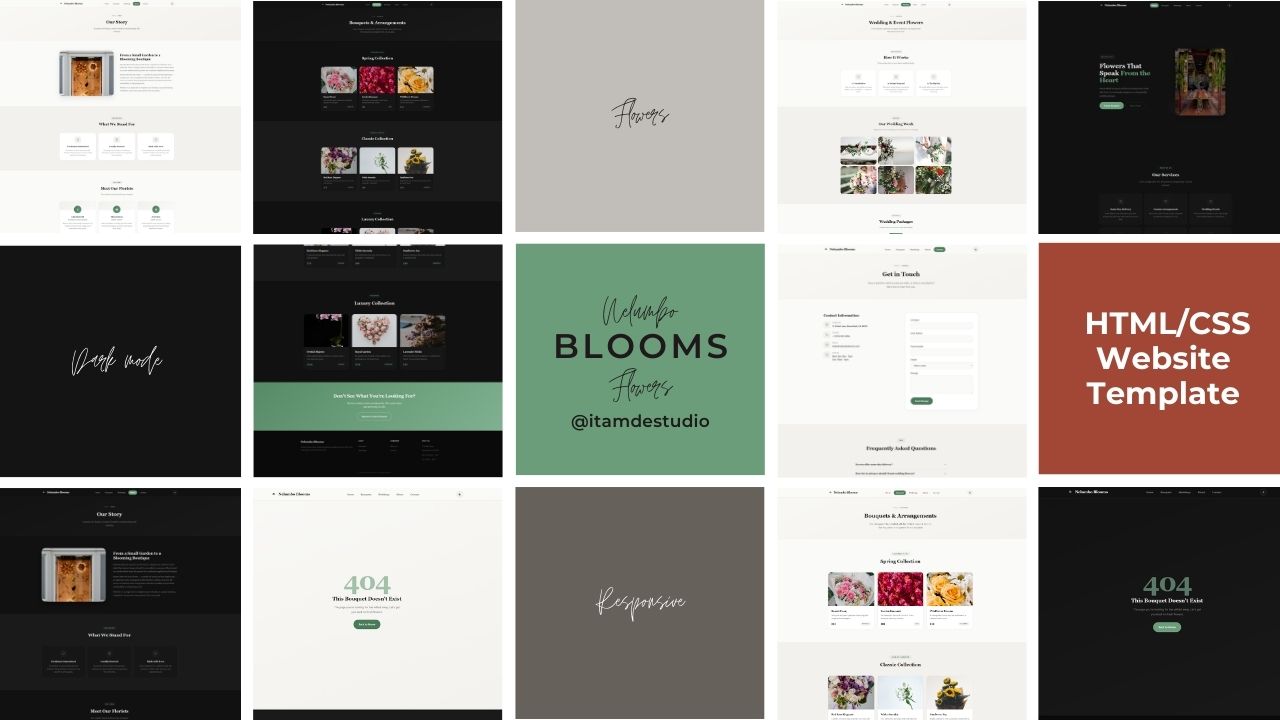
Elegant, responsive HTML/CSS template for florists and flower shops. 6 pages, dark mode, SEO ready, zero dependencies. Pure HTML5, CSS3, and vanilla JavaScript.

Complete low poly cemetery scene for Unreal Engine 5. Ready for exploration, optimized and easy to integrate.
Reviews