


Just a few years ago, editing a photo meant spending hours working meticulously in Photoshop, mastering layers, masks and curves. In 2026, everything has shifted. AI photo editing tools no longer settle for automatic filters — they understand image content, anticipate desired changes and execute complex edits in seconds. Whether you're a professional photographer, a content creator or simply passionate about imagery, these tools are redefining how we work with photos.
Photoshop and Firefly: editing through conversation
Adobe took a major leap in March 2026 with the introduction of the AI Assistant in Photoshop. The concept is simple yet remarkably effective: describe in plain language what you want to change — "remove the distracting elements in the background", "adjust the lighting for a warmer look", "replace the sky with a sunset" — and the assistant does it. Two modes are available: an automatic mode that applies edits directly, and a guided mode that walks you through each step, perfect for learning while you edit.
On the Firefly Image Editor side, Adobe has brought together its most powerful generative tools in a unified workspace. Generative Fill lets you add or replace elements with remarkable contextual consistency. Generative Remove erases unwanted objects without leaving a trace. Generative Expand adapts images to new formats by intelligently recreating missing areas — ideal for converting a horizontal shot into a vertical one for social media and short-form video. And with AI Markup, currently in public beta, you can draw directly on your image to indicate precisely where changes should happen.
Adobe also offers access to over 30 third-party models within Firefly, including those from Google, Runway and Kling, opening up considerable creative possibilities without ever leaving the Adobe ecosystem.
Luminar Neo: AI designed for photographers
Where Photoshop remains a powerful generalist tool, Luminar Neo by Skylum has taken a different approach: building every AI feature around the specific needs of photographers. The result, in 2026, is software that simplifies tasks that used to be complex without compromising quality.
The most notable addition is the Light Depth tool, which replaces the former Relight AI. It allows you to manipulate light in 3D within the image: place virtual light sources, move them around, adjust their direction and intensity. It's the digital equivalent of classic dodge and burn, but with unprecedented precision and ease of use.
Luminar Neo also includes a conversational AI assistant, similar to Photoshop's, that lets you ask questions about tools or request edits in plain language. The generative tools — GenErase for removing elements, GenSwap for replacing an object with another via a prompt, and GenExpand for extending the frame — round out the toolset. And for those who love old photographs, the Restoration feature brings damaged or faded shots back to life through intelligent texture and colour reconstruction.
Canva, Picsart, Photoroom: AI for everyone
Not everyone needs professional software to edit their images. That's where platforms like Canva, Picsart and Photoroom come in, each having significantly boosted their AI capabilities in 2026.
Canva, with its Magic Studio suite, now lets you remove a background, replace objects, expand an image or apply quick enhancements with zero technical skills required. The tool has evolved far beyond a simple template editor into a fully-fledged AI-powered visual creation studio. The free version remains generous, though some advanced features require a Pro subscription.
Picsart dominates the mobile space with an array of creative tools: AI Replace to swap a background for a futuristic cityscape with a simple prompt, style transfers, text-to-image generation, and plenty of other effects that turn every phone into a retouching workshop.
Photoroom, meanwhile, has carved out a very specific niche: transforming any product photo into an image worthy of a professional shoot. Its AI cutout tool is impressively accurate, and the ability to generate backgrounds or process batches of images in one go makes it an indispensable ally for e-commerce.
What this actually means for creators
Beyond individual features, what stands out in 2026 is the paradigm shift. AI isn't replacing photographers or editors — it's eliminating repetitive, time-consuming tasks to leave more room for creativity. A cutout that used to take twenty minutes now happens in two seconds. A sky replacement that required three layers and a complex mask boils down to a single sentence. The time saved goes back into what truly matters: composition, visual storytelling, artistic vision.
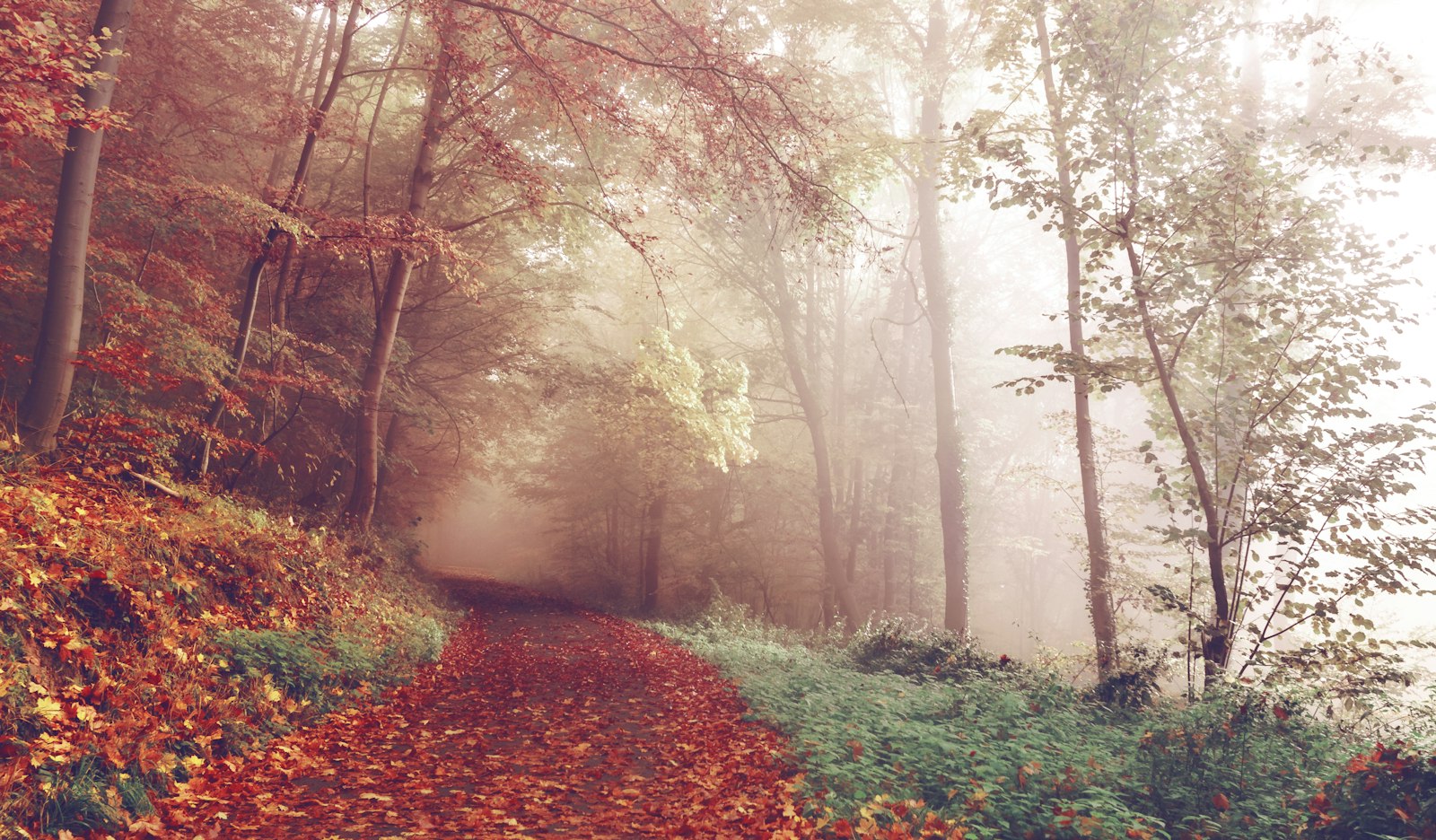
This evolution comes with an interesting parallel trend. As tools grow more powerful, audiences increasingly value authenticity. Over-edited images are falling out of fashion. Natural imperfections, grain and muted tones inspired by film photography are making a strong comeback. AI, paradoxically, also serves to recreate these organic looks with more precision than an Instagram filter ever could.
For creators who want to stay current in 2026, the question is no longer whether to use AI in their workflow, but which AI photo editing tools best match their needs and their way of working. If you're looking to explore other facets of digital creation, check out Itamde's creative adventure blog or discover our short-form video editing work.

0 Comments